
You own a Garmin and enjoy walking with poles. Your watch gives you your route, time and heart rate, but you want the work your arms are doing to count too. Rucking mode offers one way to explore the settings. It lets you enter a pack weight, which Garmin can use in its calorie estimate. Here’s how that works and how to think about a virtual backpack.
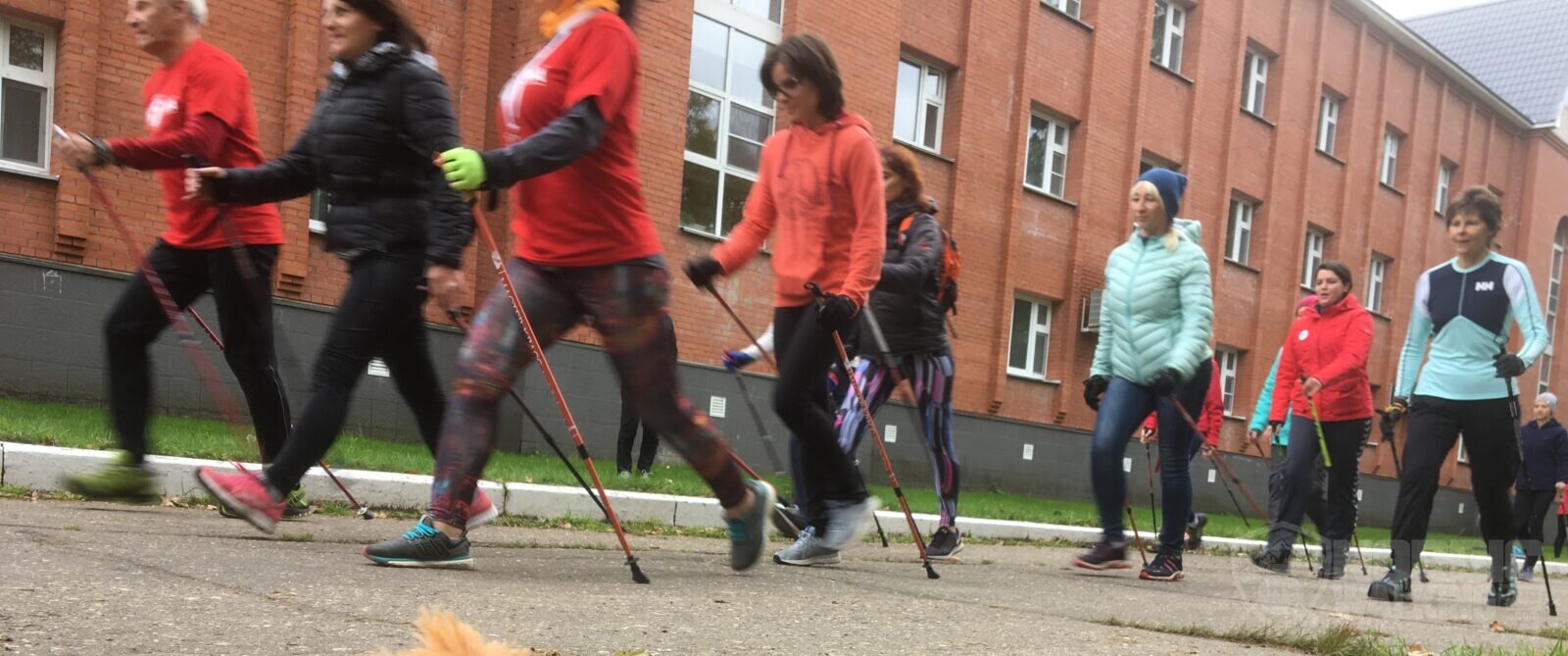
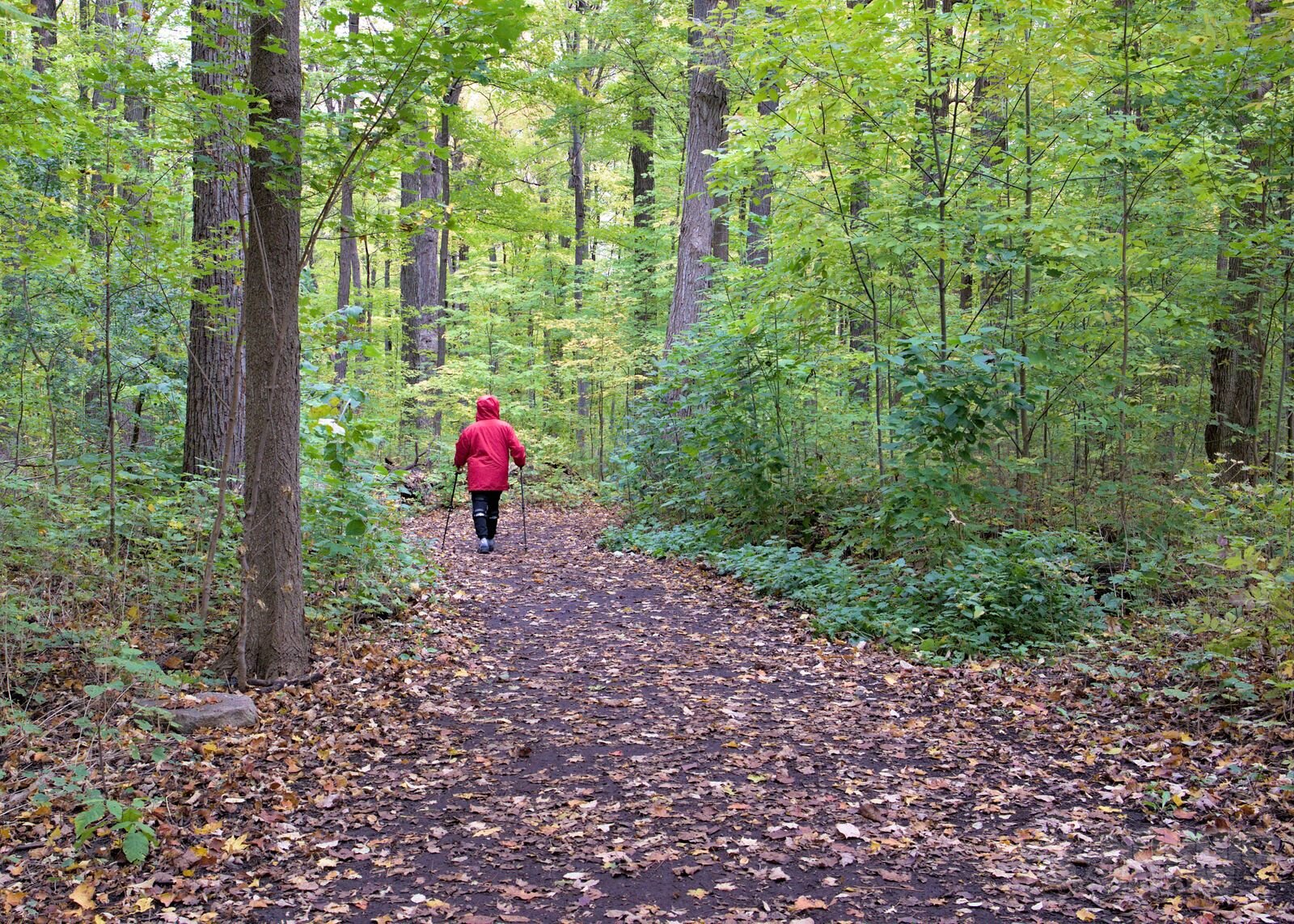
Rucking means walking with an extra load. Nordic Walking adds a push through the poles. Both can make a walk more demanding, but they do it in different ways. If you already like your Garmin, it makes sense to understand the options you have. One missing sport profile doesn’t mean you have to rush out and buy another watch.
Setting up Rucking
On a compatible Garmin, open the Rucking activity and look for Pack Weight in its settings. Models offering this include the fēnix 8, Forerunner 570 and 970, Instinct 3, Enduro 3 and Venu 4. Availability also depends on the watch software. Before heading out, check the weight units: our table uses kilograms.
If you’re actually carrying a backpack, weigh it with everything inside, including your water and spare clothes. That’s what the setting is designed for. When you walk without that load, entering a weight creates a virtual pack: a substitute input that may change the calculation. Label the activity “Nordic Walking — virtual pack” so you can still make sense of it a month later.
Leave your real body weight in your user profile. A virtual load belongs in the pack setting, rather than being added to your own weight. Afterwards, return the pack setting to the weight you’re genuinely carrying. Otherwise, that imaginary backpack can follow you into your next ordinary walk or hike. It’s a small detail that’s easy to forget.
Find your weight and walking pace
The table covers body weights from 40 to 150 kg and three walking speeds. Its chosen target is a 16% increase in total walking energy expenditure. Find your weight and the pace closest to your outing. At 135 kg and 5 km/h, the model gives an equivalent pack of 28.0 kg. At 40 kg and the same pace, it gives 8.3 kg.
These figures come from the Pandolf load-carriage model, assuming level ground, a firm surface and the same walking duration. They represent a 16% increase in total energy expenditure. Use them as an illustration when thinking about a virtual pack; Garmin has its own calculation, so the same weight doesn’t guarantee 16% more active calories on your watch. The table isn’t advice to physically carry these loads.
| Body weight | 4 km/h | 5 km/h | 6 km/h |
|---|---|---|---|
| 40 kg | 8.9 kg | 8.3 kg | 7.8 kg |
| 45 kg | 10.1 kg | 9.3 kg | 8.8 kg |
| 50 kg | 11.2 kg | 10.4 kg | 9.8 kg |
| 55 kg | 12.3 kg | 11.4 kg | 10.8 kg |
| 60 kg | 13.4 kg | 12.4 kg | 11.7 kg |
| 65 kg | 14.5 kg | 13.5 kg | 12.7 kg |
| 70 kg | 15.6 kg | 14.5 kg | 13.7 kg |
| 75 kg | 16.8 kg | 15.5 kg | 14.7 kg |
| 80 kg | 17.9 kg | 16.6 kg | 15.7 kg |
| 85 kg | 19.0 kg | 17.6 kg | 16.6 kg |
| 90 kg | 20.1 kg | 18.6 kg | 17.6 kg |
| 95 kg | 21.2 kg | 19.7 kg | 18.6 kg |
| 100 kg | 22.4 kg | 20.7 kg | 19.6 kg |
| 105 kg | 23.5 kg | 21.7 kg | 20.5 kg |
| 110 kg | 24.6 kg | 22.8 kg | 21.5 kg |
| 115 kg | 25.7 kg | 23.8 kg | 22.5 kg |
| 120 kg | 26.8 kg | 24.9 kg | 23.5 kg |
| 125 kg | 27.9 kg | 25.9 kg | 24.5 kg |
| 130 kg | 29.1 kg | 26.9 kg | 25.4 kg |
| 135 kg | 30.2 kg | 28.0 kg | 26.4 kg |
| 140 kg | 31.3 kg | 29.0 kg | 27.4 kg |
| 145 kg | 32.4 kg | 30.0 kg | 28.4 kg |
| 150 kg | 33.5 kg | 31.1 kg | 29.3 kg |
Why does pack weight change with walking pace? Because speed and load work together in this model. For someone weighing 100 kg, the equivalent is 22.4 kg at 4 km/h, 20.7 kg at 5 km/h and 19.6 kg at 6 km/h. Simply taking 16% of body weight would miss that relationship. That’s why there are three speed columns rather than one number for everyone.
Keep your activity records clear
Garmin also uses pack weight for other training figures. It says some estimates, including VO₂ max, lactate threshold and maximum heart rate, aren’t produced when the pack exceeds 10% of body weight. The equivalents in our table cross that threshold. A virtual backpack therefore affects a wider set of training assumptions, rather than being a separate calorie adjustment.
For your own notes, you could put a simple comparison beside the original watch figure: 300 kcal × 1.16 = 348 kcal. It’s clear where that number comes from. Bear in mind that your higher heart rate while using poles may already capture some of the extra effort. Adding the same percentage to every activity can end up counting part of it twice.
Keep your Garmin. Ask for more.
My take? This is a useful way for Garmin owners to get to know their watch’s settings. I’d still rather select Nordic Walking and have the watch account for the sport I’m actually doing. That’s a job for the manufacturer. Meanwhile, good pole technique, regular outings and understanding where the numbers come from are worth more than chasing a prettier calorie total.
Sources and table calculation
Garmin: Rucking Science; Using the Rucking Activity Profile on a Garmin Watch; Learn More About Tracking Calories on Garmin Devices. Pandolf, Givoni and Goldman, Journal of Applied Physiology (1977), DOI 10.1152/jappl.1977.43.4.577. The calculation assumes a level surface and seeks a pack weight giving M(load)/M(no load) = 1.16. Rounded to 0.1 kg. Sources reviewed on 4 October 2026.


Join the discussion
Members can comment. Log in or create a free account.